Course 1 of 4
Internet basics
Safe browsing: how to check a website address, tell ads and fakes from the real thing, create strong passwords and avoid scam SMS messages.
What you will be able to do
- Check a website address and understand what the lock really means
- Tell ads from official websites in search results
- Recognise fake bank and service pages
- Create strong passwords and turn on two-step sign-in
- Stay calm when a message says your card is “blocked”
Who this course is for
For people who have only recently started using the internet, and for anyone who wants to teach online safety to their parents or children. No prior knowledge needed.
Course lessons
Practice and reading
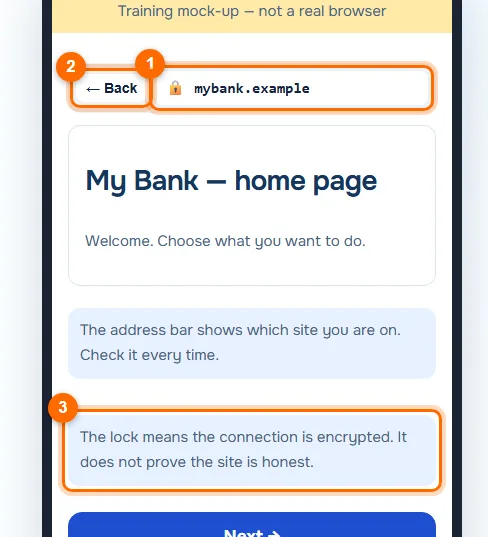
- TrainerInternet trainerA practice browser with five screens: the address bar, search, a fake site, a password and a suspicious message. It is a mock-up, not the real internet: every address ends in .example.
- ArticleWallets and safetyMost crypto losses do not come from hacking but from a single wrong confirmation. We will look at what exactly you confirm in a wallet, how to store keys and how to notice a scam in time.